Bring your place online
Use 360° panoramas to show a property, a gallery, a hospitality venue or a destination. Let people look around, wherever they are.
REAL PLACES. NEW PERSPECTIVES.
Turn a place into an experience worth exploring. Create your own 360° virtual tour with 3GO, or let our studio take it further.
Explore the editor without an account. App currently in alpha.
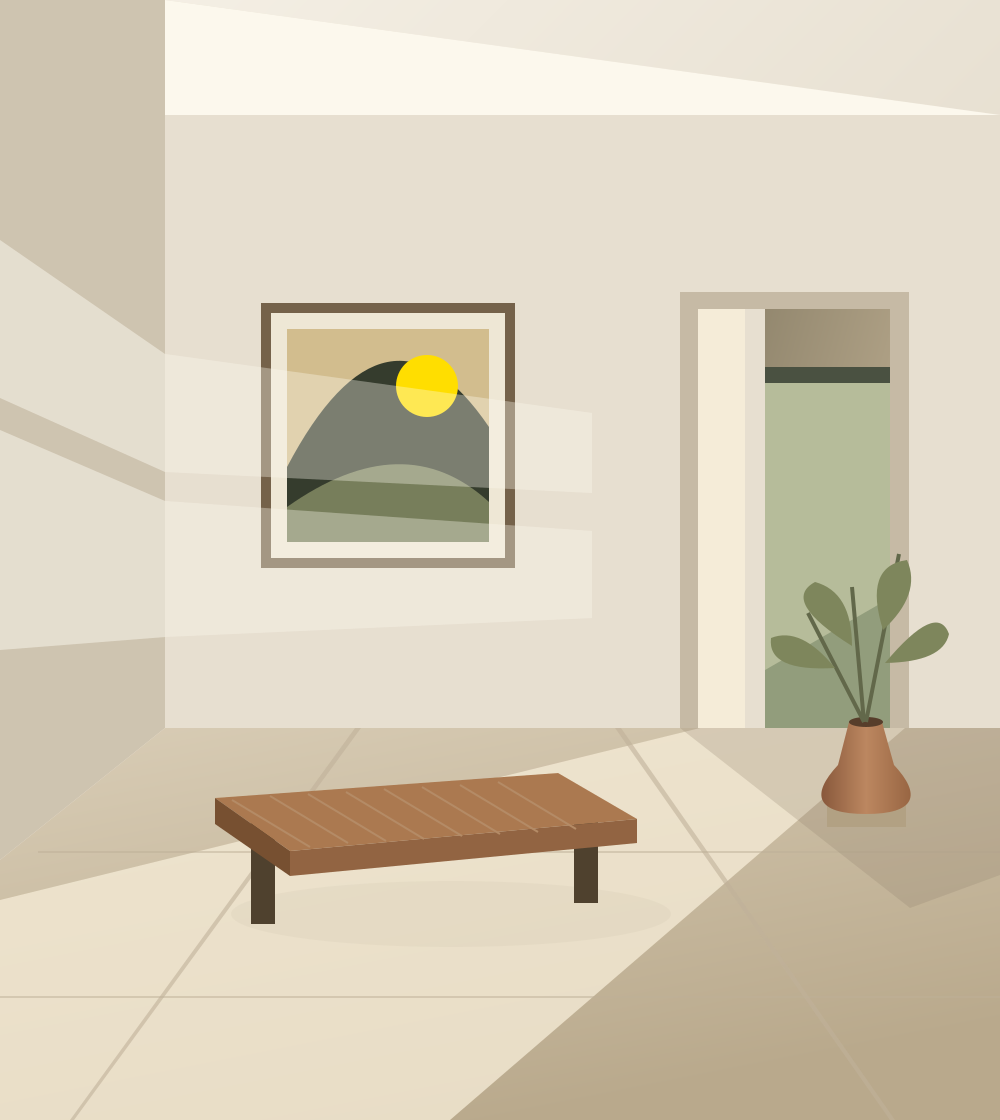
A new way in.
Turn a detail into a point of interest, with context for your visitors.
Concept illustration · not a customer project
01 / THE APP
3GO.app is a browser-based editor for immersive 360° experiences. Start with your panoramas, connect your scenes and give visitors a new way to discover your space.
Use 360° panoramas to show a property, a gallery, a hospitality venue or a destination. Let people look around, wherever they are.
Connect scenes with navigation points and enrich the visit with information hotspots. A simple walkthrough can become a story-led experience.
Publish your scenes and share a link. Manage your projects in the app rather than maintaining a custom-built viewer.
02 / YOUR PROJECT, YOUR WAY
One app. As much creative support as your project needs. Start independently, bring us in for a specific task, or shape the whole experience together.
You have the panoramas and the idea. Build, enrich and publish your tour yourself in 3GO.app.
Keep control of your project and add the skills you need. A little help, or a full creative partnership.
Studio services are scoped individually, subject to project feasibility and location. App subscriptions and production services are separate; no studio package price is announced here.
FROM A PLACE TO AN EXPERIENCE
Start with existing 360° panoramas or plan a dedicated shoot.
Build your route and add the details that make the place meaningful.
Publish in the app and give your audience a link to explore.
LESS BUILDING. MORE SHOWING.
AI can help write a viewer. You still need to assemble it, host it, test navigation, handle different screens and maintain the result. For a tour based on existing panoramas, 3GO gives you a dedicated starting point.
Use AI to shape the story. Use 3GO to build the visit.
The aim: less setup and a potentially lower total cost than bespoke AI-assisted development. Actual savings depend on your project, capture costs, subscription and maintenance needs. AI-generated spaces can be useful for concepts, but are not evidence of a real place.
03 / FIND YOUR FIT
There is no single best tool for every tour. Here is where we would start, depending on what matters to your project.
| Solution | A good fit for | Keep in mind |
|---|---|---|
| 3GOThe focused starting point | Creating a panorama-based tour in the browser, with optional creative and production support from Studio 3GO. | An alpha product, not a 3D scanning or measurement platform. Validate your requirements in the demo before committing. |
| MatterportSpatial capture | Real-estate discovery and immersive spatial presentations, within a dedicated capture and publishing ecosystem. | Assess capture requirements, plan limits and ongoing hosting against your needs. A different approach from simply linking panoramas. |
| KuulaCloud-based 360° tours | An established web workflow for uploading panoramas and creating, sharing and embedding virtual tours. | Check the plan required for branding and advanced features. Photography and creative production must be arranged separately. |
| CloudPano360° tours & live video chat | Creating, hosting and embedding panorama-based tours without coding, with branding options and live video chat for remote presentations. | Tours are hosted by CloudPano. Check current plan conditions for your branding and live presentation needs, and include panorama capture in your project budget. |
| 3DVistaAdvanced authoring | Rich multimedia, highly customized interfaces, offline tours and more advanced training experiences. | Desktop authoring and a broader toolset to learn. Plan publishing and hosting separately from the software license. |
Official product sources: Matterport ↗ · Kuula ↗ · CloudPano ↗ · 3DVista ↗
Editorial overview, not an exhaustive feature test. Features and commercial terms change. Consult each provider before purchasing. Reviewed on 30 October 2026. All trademarks belong to their owners.
04 / GOOD QUESTIONS
3GO.app is the web application for creating and publishing interactive 360° virtual tours. Studio 3GO is the complementary service offering: photography, video, art direction and project management. You can use the app independently; studio services are optional.
Yes. Start with your panoramas and navigation between scenes. Then add information hotspots and refine the route as your project develops. Available features and publication conditions are described in the app, which is currently in alpha.
You need suitable 360° panoramas for an immersive scene, but you do not have to capture them yourself. Use existing images you have permission to publish, work with a photographer, or discuss capture as part of a Studio 3GO project. An ordinary flat photo is not a complete 360° panorama.
It can be, especially if you already have panoramas and need a conventional tour. A dedicated editor avoids developing and maintaining a custom viewer. Compare the total cost of capture, app publication, development, hosting and maintenance; no universal or quantified saving is guaranteed.
Property professionals, hospitality venues, cultural spaces, shops and teams who want to present a place remotely. It is designed for visual exploration, not certified surveying, dimensional measurement or a full 3D reconstruction.
Check 3GO.app for current subscription and publication pricing. Studio production is scoped separately according to the location, capture requirements, content and creative support. No fixed service prices are published on this site yet.
YOUR NEXT PERSPECTIVE
Start with the app today. For a project with the studio, a dedicated contact space is coming here soon.
Try the live demo